I run my work through an AI system: my files, my editing pipelines, my projects board. I wanted to talk to it while my hands were busy in DaVinci Resolve. The voice modes I tried couldn't reach any of that, and when an agent works out loud you quickly lose track of what it's actually doing.
What had to be true
Talking had to be quicker than typing, or I wouldn't use it. And because this assistant can change files and drive my editing software, I always had to be able to see what it was doing and stop it before anything left my Mac.
The decisions
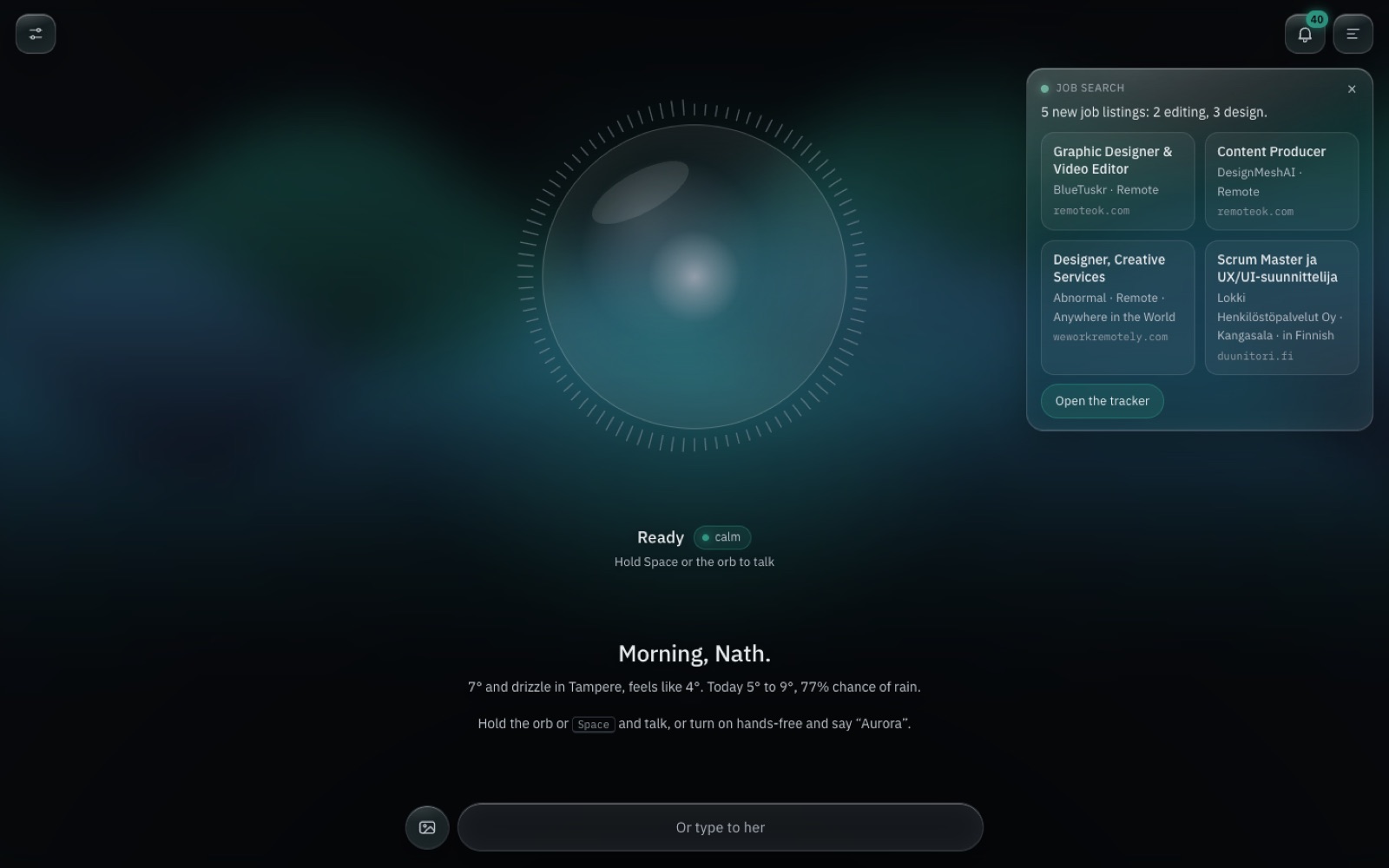
- Hold Space or the orb to talk, or switch on hands-free and say her name. Nothing listens unless I ask it to.
- Four orb states that move differently (listening, thinking, speaking, asking), so I can tell what's happening from across the room.
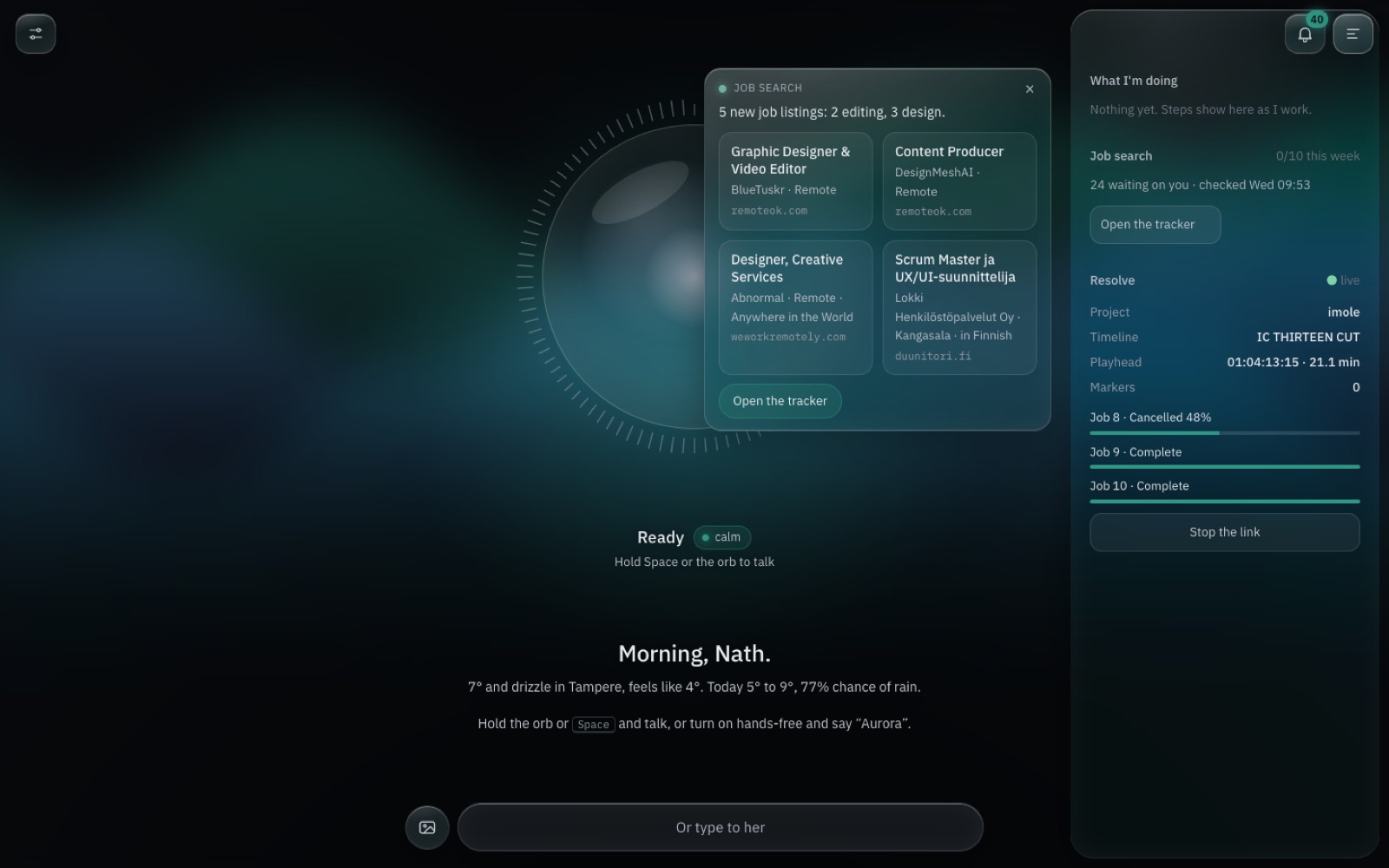
- What she says and what she does are kept apart: the answer comes first, and every step she takes goes into a separate activity log.
- She reads and edits files freely, but asks out loud before anything that runs a command, sends, posts or deletes.
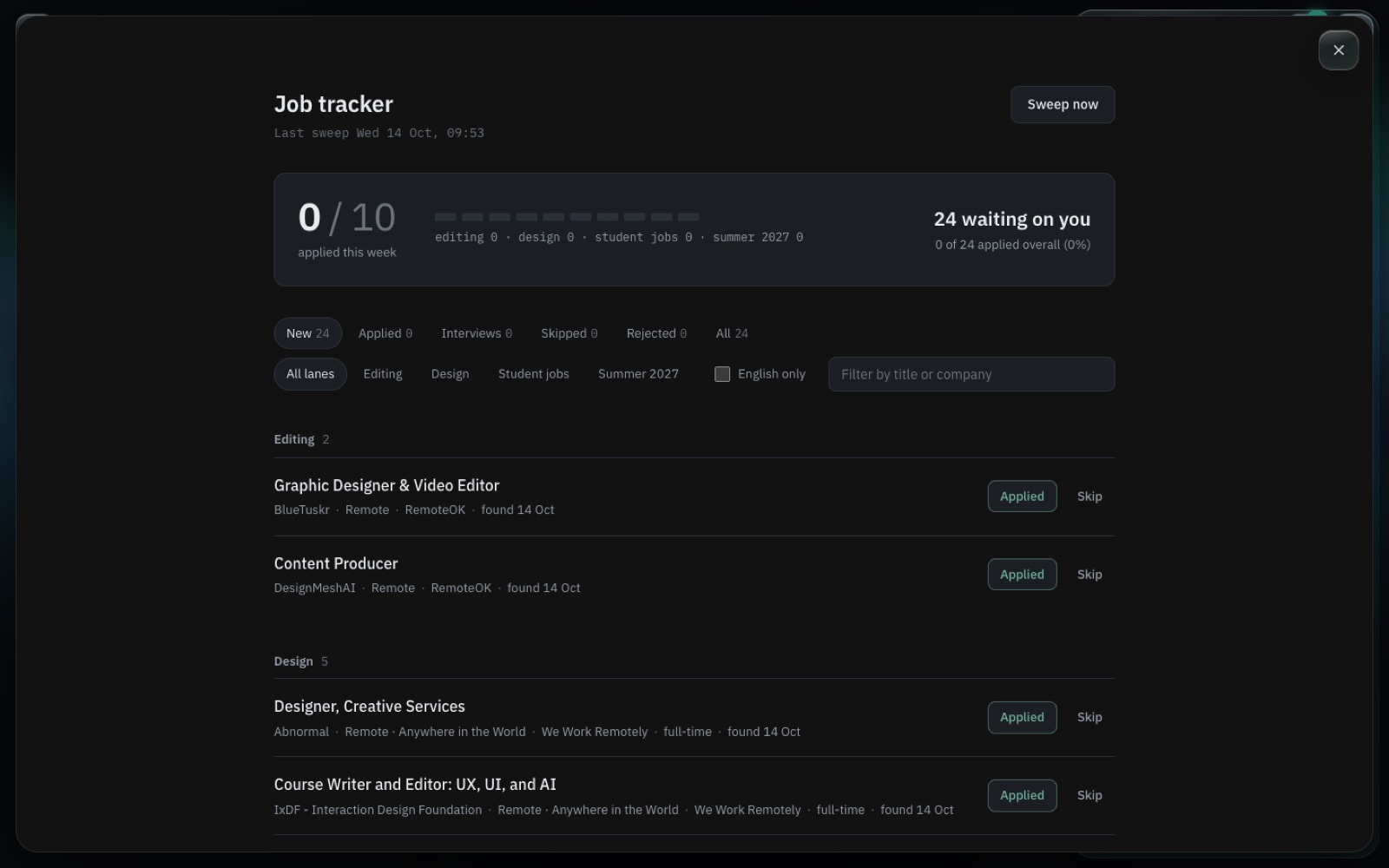
- Alerts and a bell for what she notices by herself: a render finished, a new job listing, a deal under my price.
What I left out
A live liquid-glass effect behind every panel. It looked great and made my Mac's graphics chip struggle, so the panels are plain frosted glass now and the animation slows down when nothing is happening. A calm interface you keep open all day matters more than a pretty one you close.
Where it is now
It starts with my Mac, and I can reach it from my phone over a private network, behind a PIN. I use it to plan the day, queue edits in Resolve and check job listings.