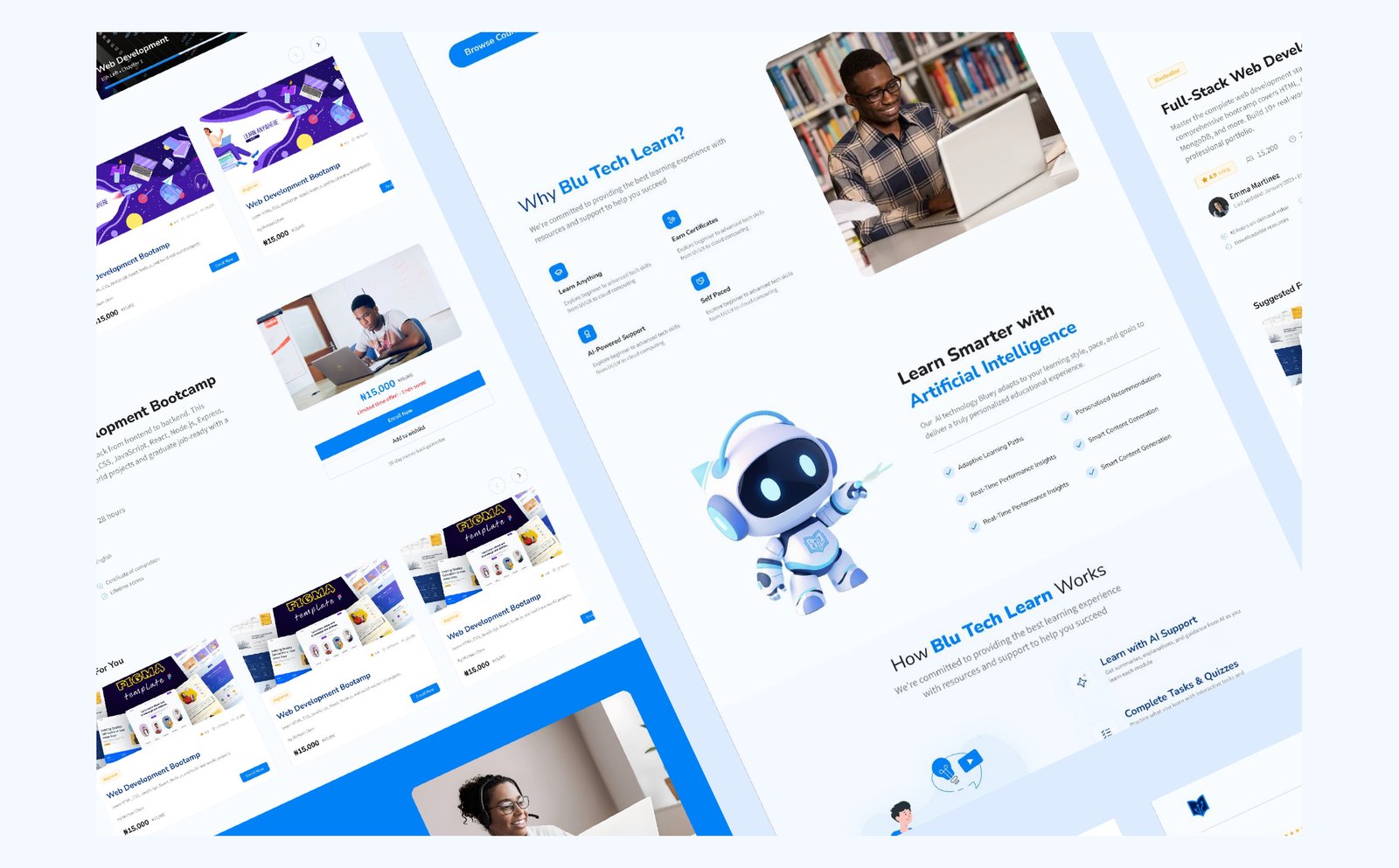
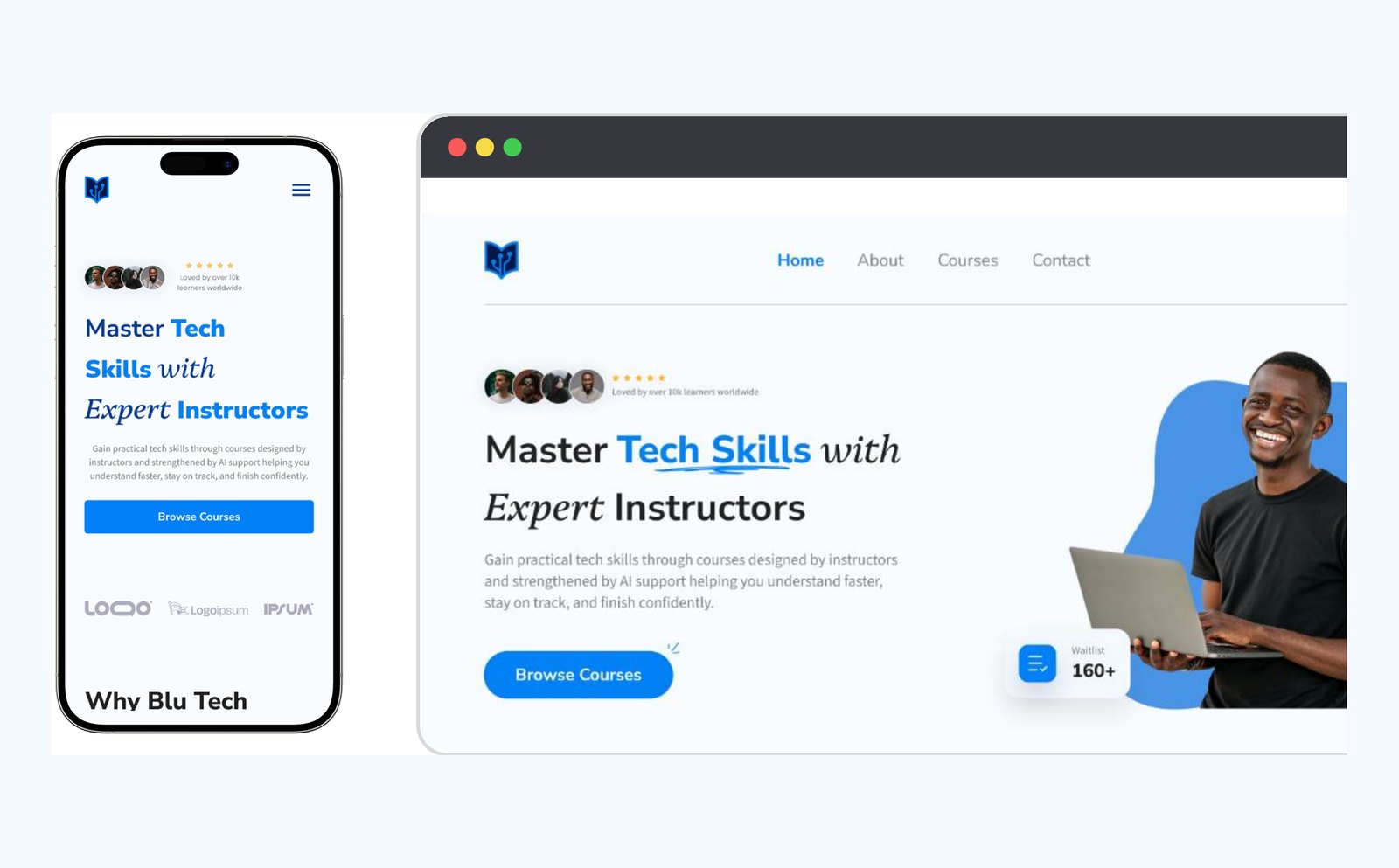
BluTechLearn teaches tech skills online, with an AI helper built into every lesson. Most AI chatbots feel lifeless, and people stop using them. I wanted this one to feel like a study partner. It was my first project with an AI chatbot at the centre of the experience, and I designed it unpaid.
The lesson page, before Bluby
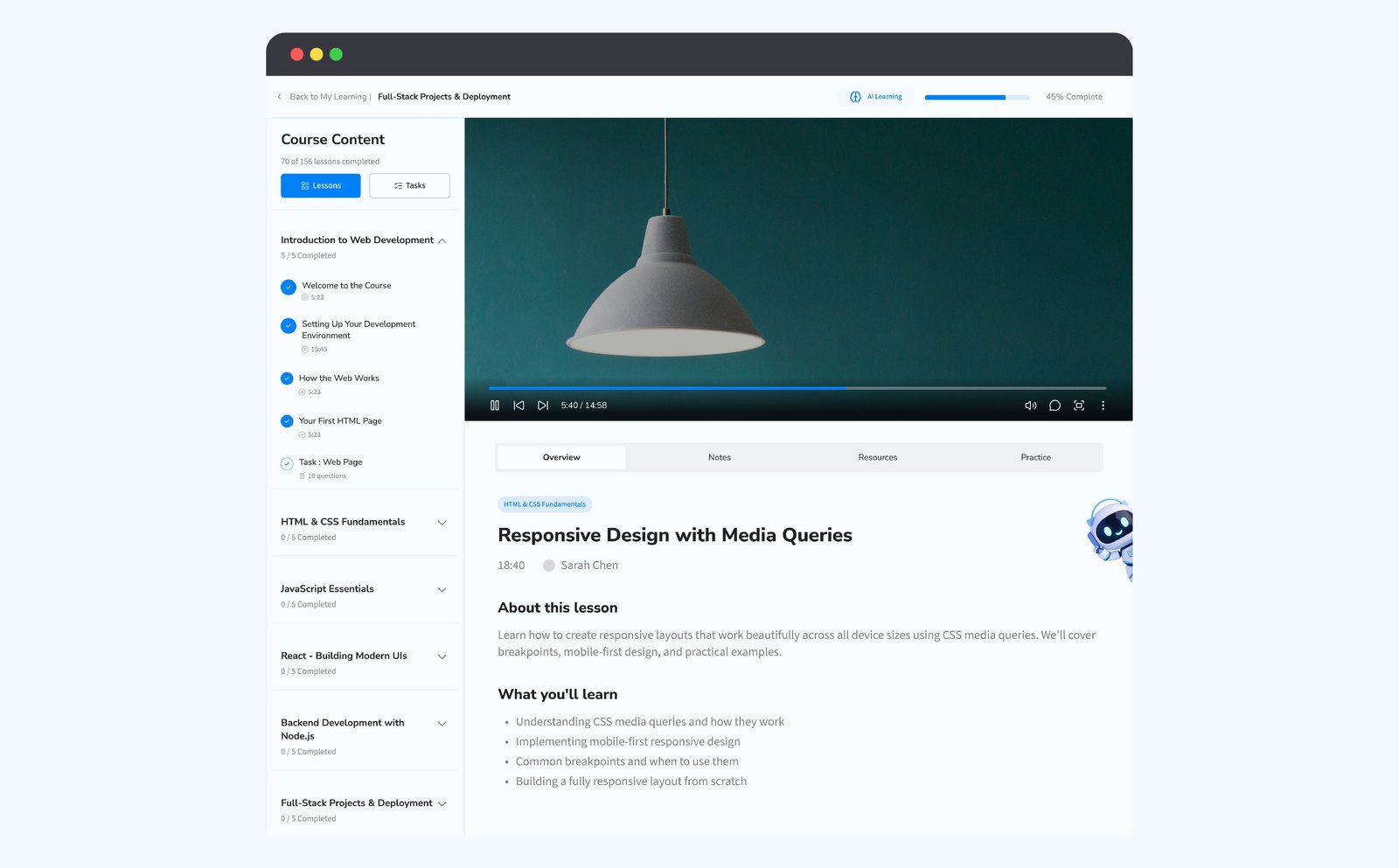
The lesson page started as a standard player: course outline on the left, video in the middle, tabs for overview, notes, resources and practice. It works, and it has no one in it.
Breaking the chat-bubble pattern
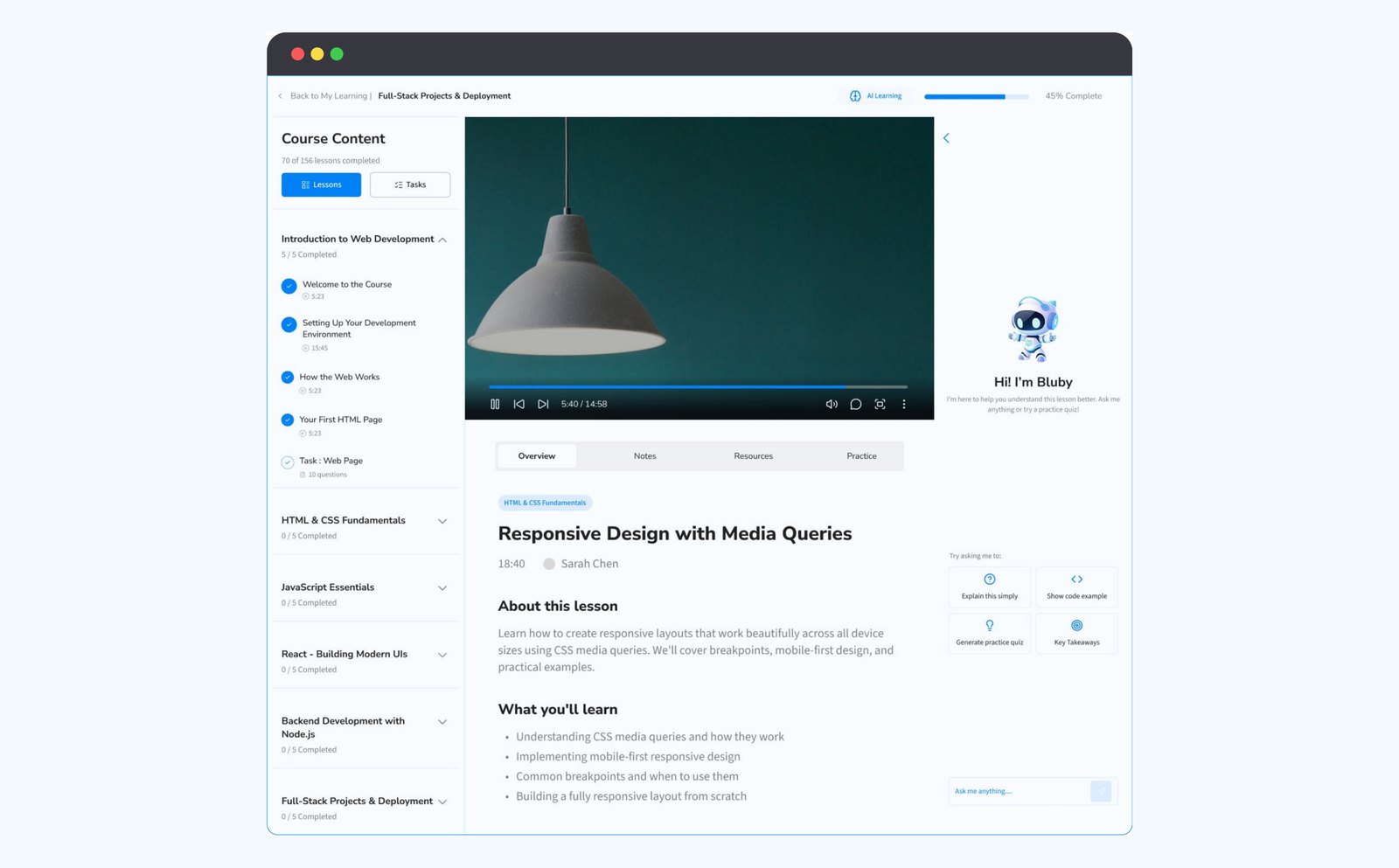
Most chatbots sit in a fixed circle in the corner. I treated this one as a character. Bluby folds into the page, comes out when you need it, and goes back again, so it feels aware of what you're doing instead of waiting to be tapped.
Open, Bluby greets you and offers four things to try: explain this simply, show a code example, generate a practice quiz, key takeaways. You can also just type.
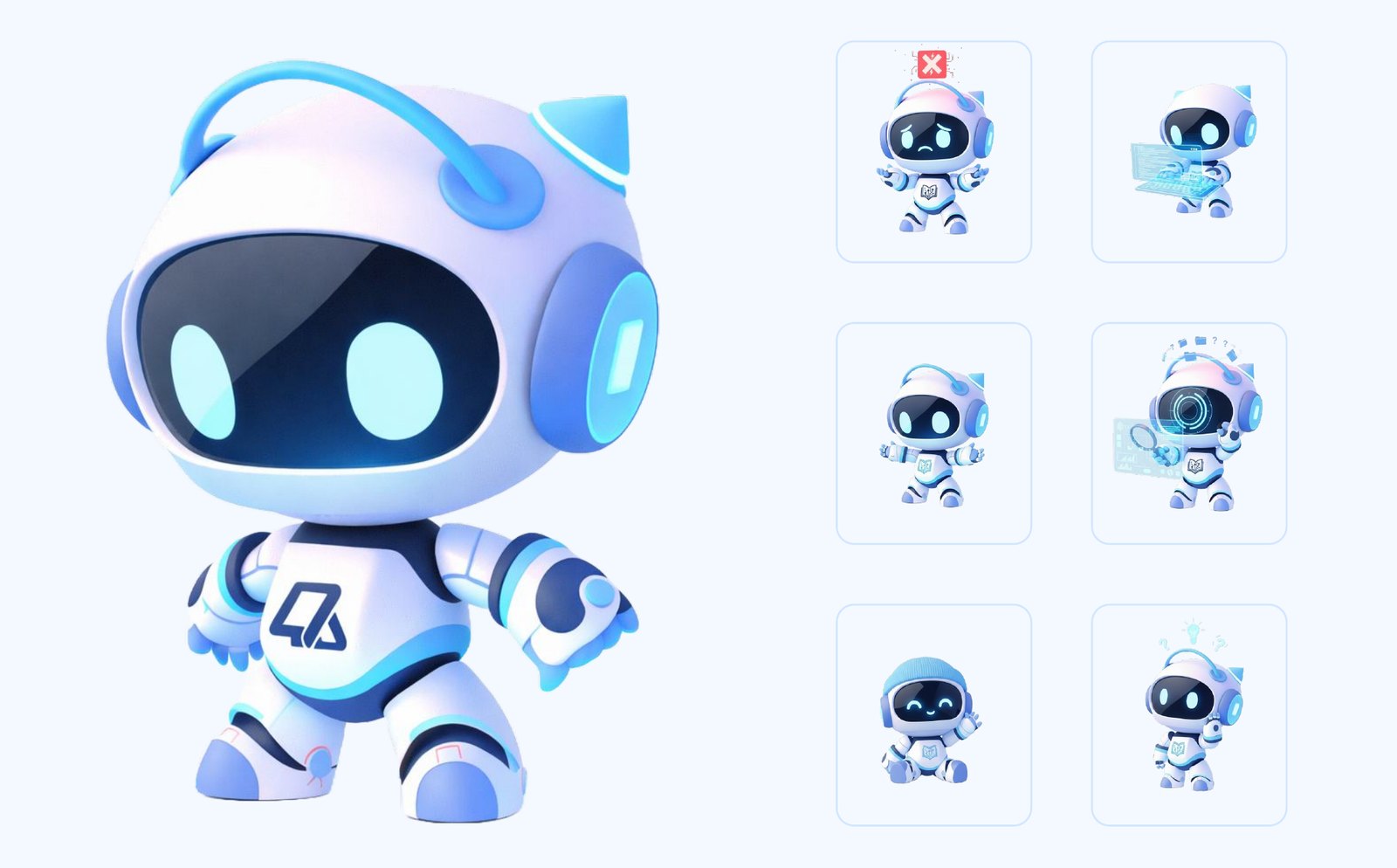
Bluby
I designed Bluby myself. It has six states: working at a laptop, searching, having an idea, running into an error, and two calmer poses. Each one shows what the AI is doing, so a student isn't left guessing during a wait.
The wider product
Around the lesson page sit the landing page, a dashboard that picks up where you left off, and a course catalogue. The AI shows up in each of them as a reason to join, not just as a feature in a list. It all works on a phone too.